June 28, 2026 • 3 min read • Verticlab Team
New Feature: Offline Gateway Alerting
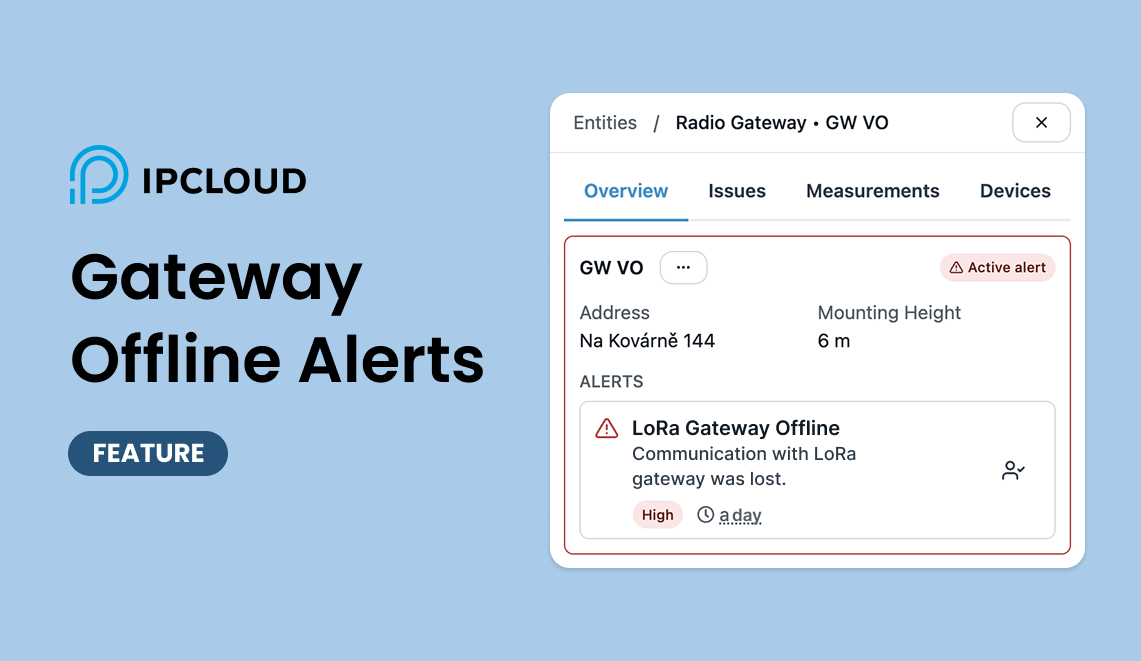
We have shipped a new feature in IPCLOUD: gateway offline alerting. IPCLOUD now continuously checks the connection status of every gateway in your network, and every project comes with a default alerting rule already switched on — no setup required.
Why offline alerting matters
In a vacuum sewer network, most operational issues are visible: a pump trips, a valve sticks, a level sensor fires an alarm. But silent failures — devices that simply stop communicating — are harder to catch. A gateway that goes offline takes down the visibility of every station behind it. Without offline alerting, these dead zones can persist unnoticed for hours.
With connection status monitoring built into every project, operators are notified as soon as a gateway disconnects, instead of finding out during the next site visit. This shortens the detection-to-response window significantly and prevents field surprises during critical shifts.
How it works
IPCLOUD continuously tracks whether each gateway is connected or disconnected. As soon as a project is created, a default rule called "LoRa gateway offline" is already active and enabled, flagged at High severity: if a gateway stays disconnected for a specified period of time, IPCLOUD raises an alert automatically.

Because the rule ships enabled by default, there is nothing to configure to get baseline coverage — every gateway in every project is watched from day one. The disconnection period exists precisely to filter out brief, harmless connectivity blips: a gateway needs to be out of contact for the full specified duration before an alert fires, so short transient gaps do not generate unnecessary notifications.
Notification delivery works through the IPCLOUD mobile app (Android) and Telegram, depending on your account preferences.
Getting started
Offline alerting is already active for every project — there is nothing to turn on. Open a project's alert rules in the web platform to review or adjust the default disconnection rule. The mobile app received this feature in a recent update — make sure you are running the current version from Google Play.